Step indicator - shows position in a series of steps
Description
Displays a step indicator which can be used to show the current progress in a series of steps. A step indicator control is commonly used during the checkout process on shopping sites.
Discussion
The ViewBox control is a versatile control that can be used to create any interface needed for your application. This sample demonstrates how the ViewBox can be used to create a step indicator - a control for displaying the progress through a multi-step process, such as filling out a survey or checking out in an online store.
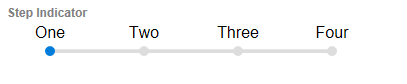
The value of the ViewBox stores the current step. It can be incremented, decremented, or explicitly set as progress changes. For example, the following code will increase the step by one:
// ViewBox ID is 'StepIndicator':
var val = Number({dialog.object}.getValue('StepIndicator'));
val = Math.min(val+1,3);
{dialog.object}.setValue('StepIndicator',val);
Similarly, you can go back one step using the code below:
// ViewBox ID is 'StepIndicator':
var val = Number({dialog.object}.getValue('StepIndicator'));
val = Math.max(val-1,0);
{dialog.object}.setValue('StepIndicator',val);
The steps are set in the Static JSON property on the Data Source tab. The data is a simple array of strings (shown in the example below.) You can modify the steps by changing the static data. You can also change the Datasource type to use a dynamic data source, such as a List or SQL query.
[
'One',
'Two',
'Three',
'Four'
]
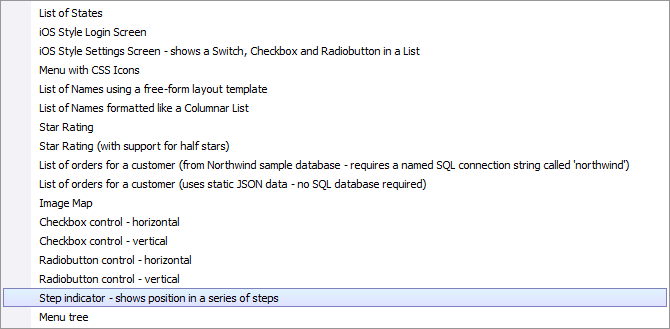
The Step indicator - shows position in a series of steps template example is loaded by clicking the Load Sample ViewBox link on the Home tab of the ViewBox Builder.
See Also